School project · Input & feedback
Revenge of YK.
A four-person typing game built in C++ with Alpha Engine. I worked on typing feedback, an interactive tutorial, a debug console and visual effects.
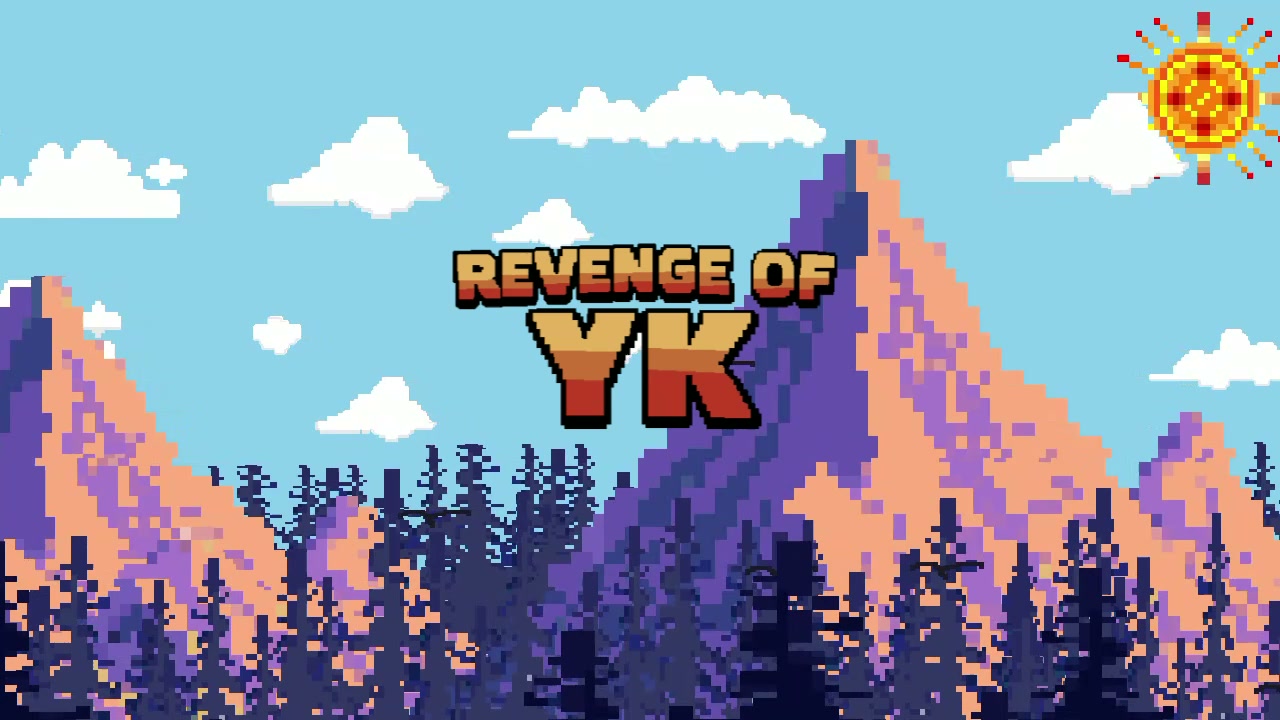
- My focus
- Typing & tutorial systems
- Team
- 4 people
- Original stack
- C++ · Alpha Engine
- Browser edition
- WebAssembly · WebGL
The problem
Turn typing into readable game feedback.
Players defeat enemies by typing their words. The game needs to communicate progress clearly while enemies, animations and other systems continue updating.
My contribution
Feedback for players. Tools for development.
- Typing interaction and character highlighting, so the player can follow their input.
- An interactive tutorial that gates progression on completing its current objective.
- A debug console for exercising gameplay states.
- Work on particles, collision and death-transition effects, and parallax.
Constraint & approach
Keep the tutorial tied to real gameplay.
In a shared C++ game, the tutorial has to coordinate input, enemies and transitions. Objective checks and staged prompts let the player perform actions before continuing, rather than only reading instructions.
Debug commands make specific situations easier to reach during development without replaying every earlier step.
See it in motion.
10-second team trailerTesting & changes
Check the interaction all the way through.
Browser validation covered typing an enemy word, receiving points after the enemy was defeated, and waiting for confirmation before advancing the tutorial. Zen and timed modes, pause, the debug console and local score persistence were also checked.
The browser adaptation changed keyboard handling to queue keydown events for the original frame loop. It also enabled C++ exception support so an invalid numeric debug argument returns an error instead of aborting the game.
These changes belong to the browser edition. They do not establish a specific historical failure and fix from the original school submission, and the checks do not cover a full playthrough of every boss or tutorial stage.
Try it
A keyboard is your main weapon.
Choose Controls in the game menu to enter the interactive tutorial. The browser launch page lists input and audio controls. High scores stay in your own browser; the school source repository stays private.